Professional broadcast playout, built for the operator — not the enterprise IT budget.
A desktop broadcast automation and playout system for stations, venues, and independent broadcasters who need real on-air reliability without a six-figure contract.
Built from three decades of experience on the air and at the board, RadioDeck delivers the tools working broadcasters need, designed to work right out of the box.
Key Features
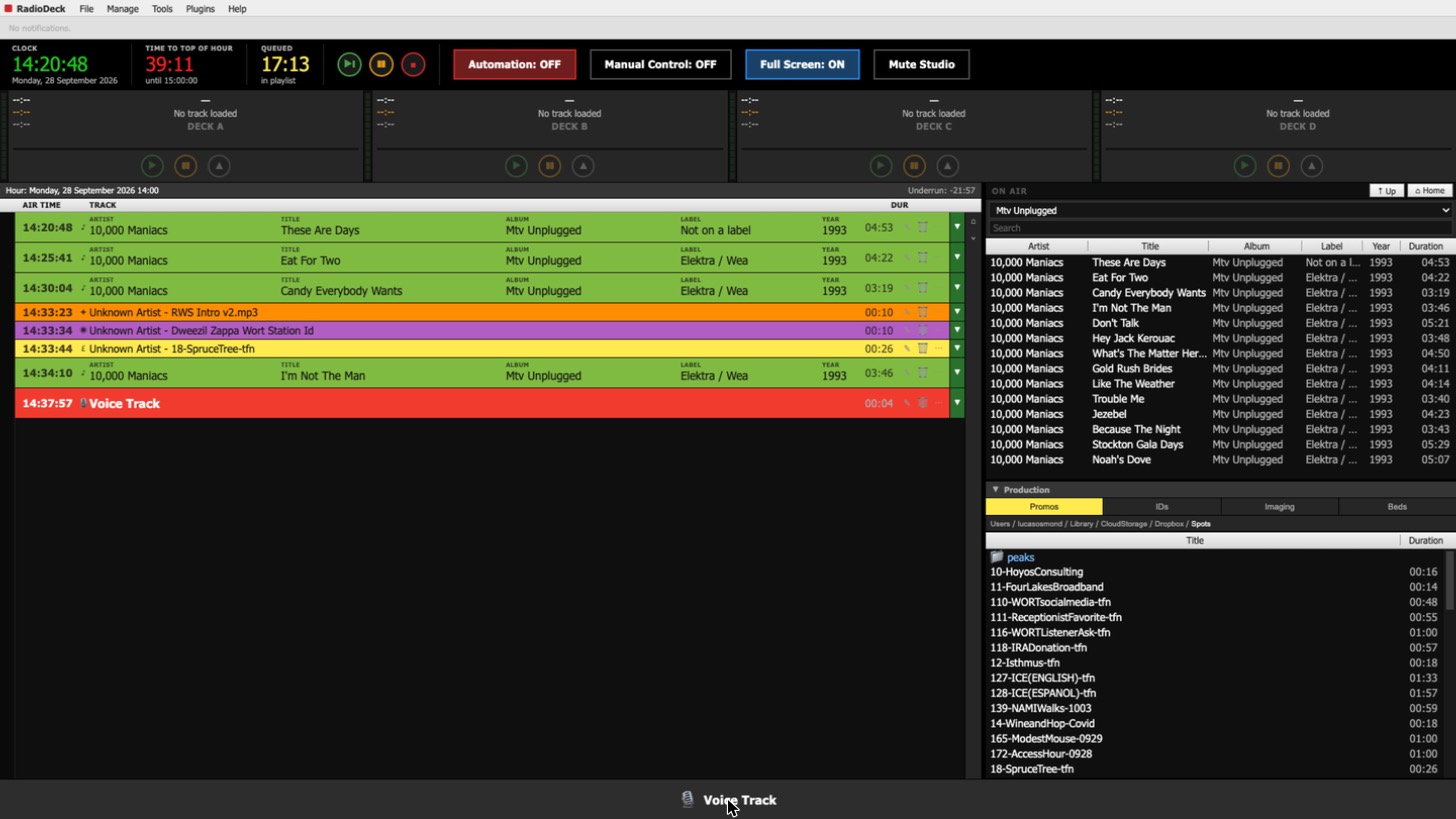
Live Four-Deck Playout Engine
Two dedicated music decks plus two imaging and promo decks ensure clean cuts, smooth crossfades, and zero interrupted tracks.
Automatic or Manual Control
Seamlessly switch between intelligent auto-fill automation with hourly station IDs and full manual board control.
Integrated Show Builder
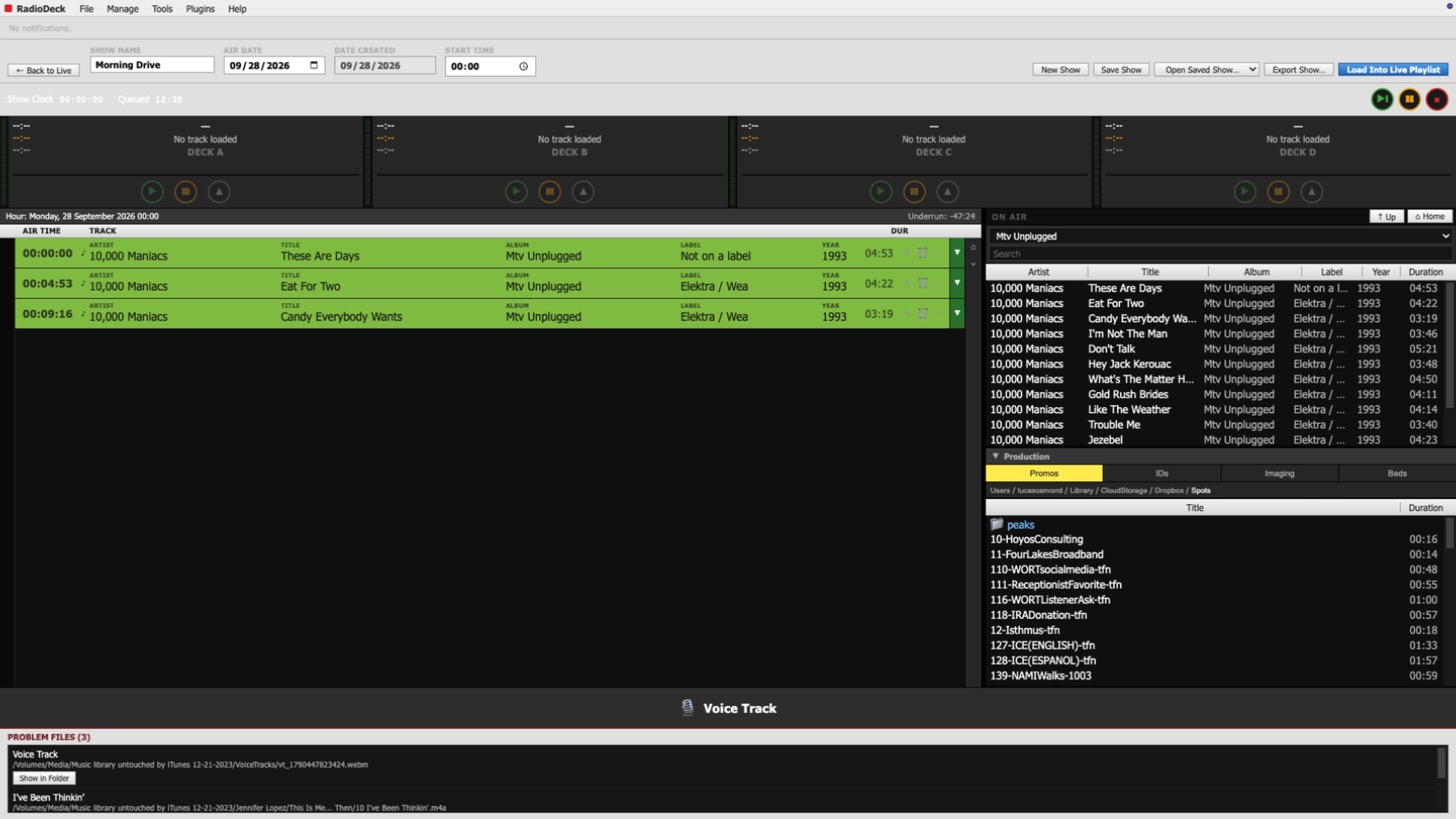
Plan, voice-track, and rehearse future shows on an independent offline playout engine before sending them live.
In-Place Tag & Library Management
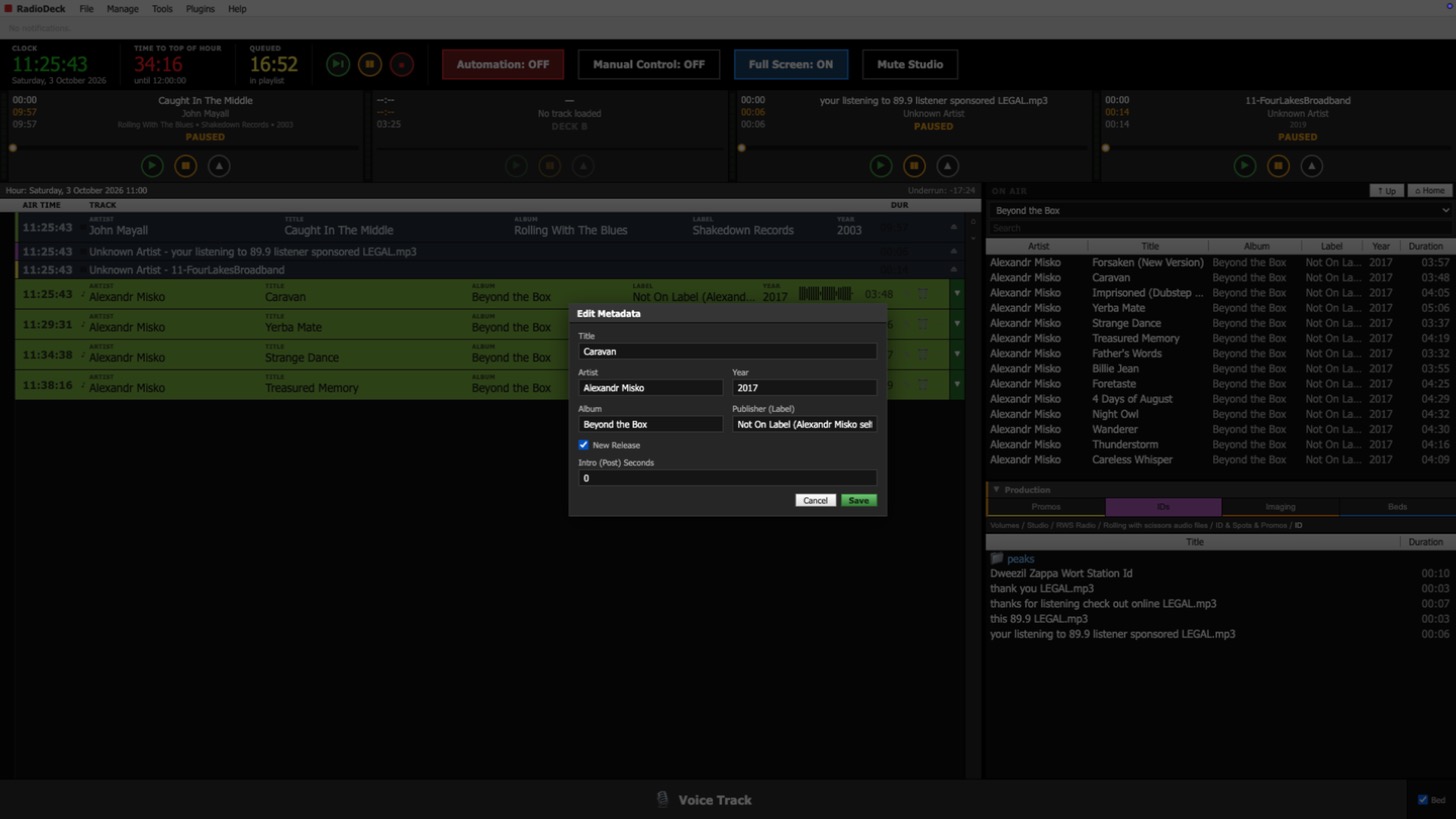
Organize production folders and edit metadata — including Publisher/Record Label — directly within your workflow.
Color-Coded Production Library
Promos, station IDs, imaging, and beds each get their own color, both in the file browser and right in your live log, so you can tell what's coming up without reading every line.
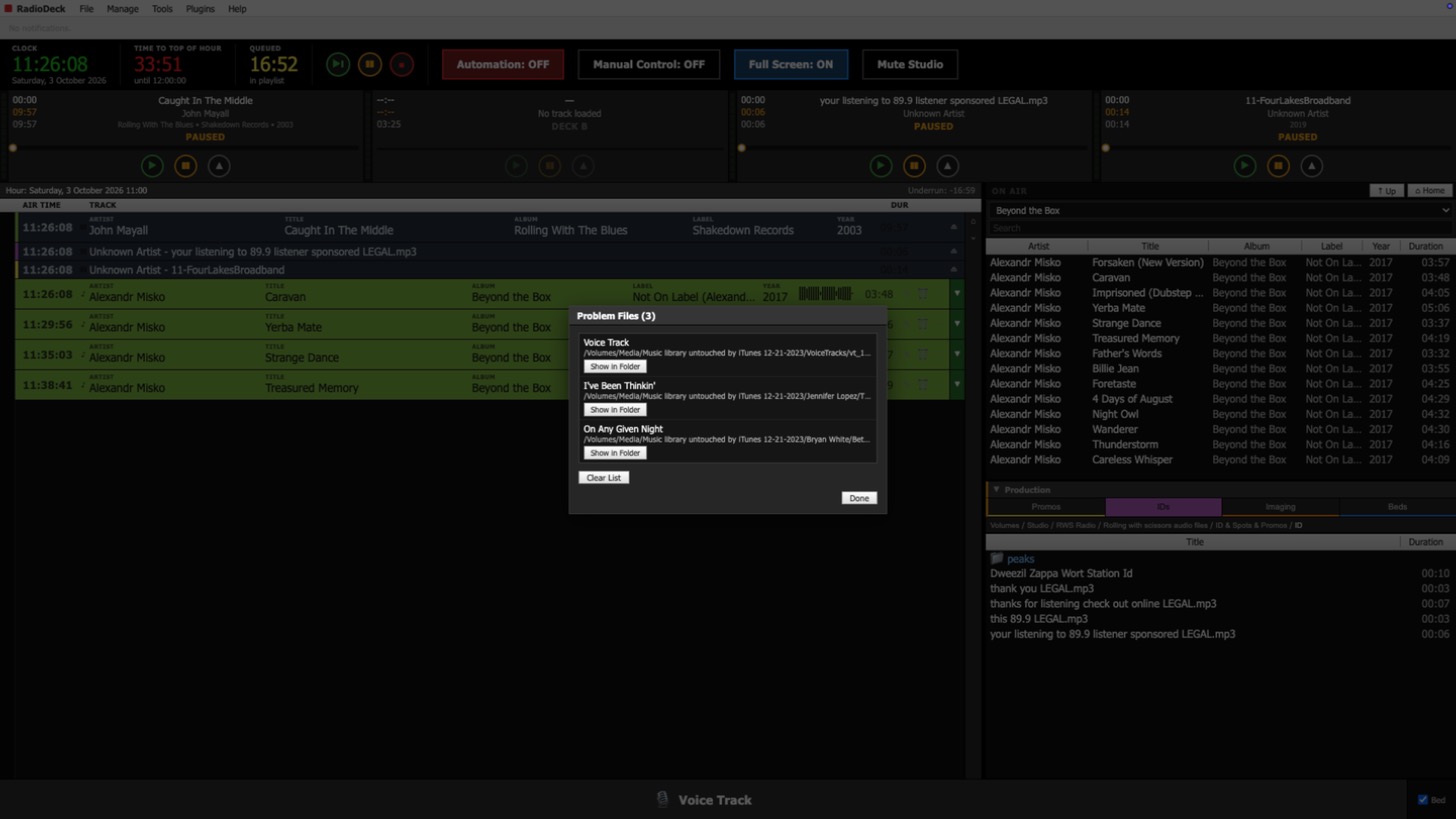
Problem Files, Caught Automatically
If a track goes missing or won't play, RadioDeck logs it the moment it happens — reachable anytime from the Manage menu, with a button that jumps straight to the file's folder.
No Server or Cloud Required
Runs locally on your studio hardware. No complex database management, cloud dependencies, or monthly subscriptions.
Mac-Native & Windows Ready
Built purpose-first for macOS with cross-platform architecture ready for modern studio environments.
Flexible Audio Routing
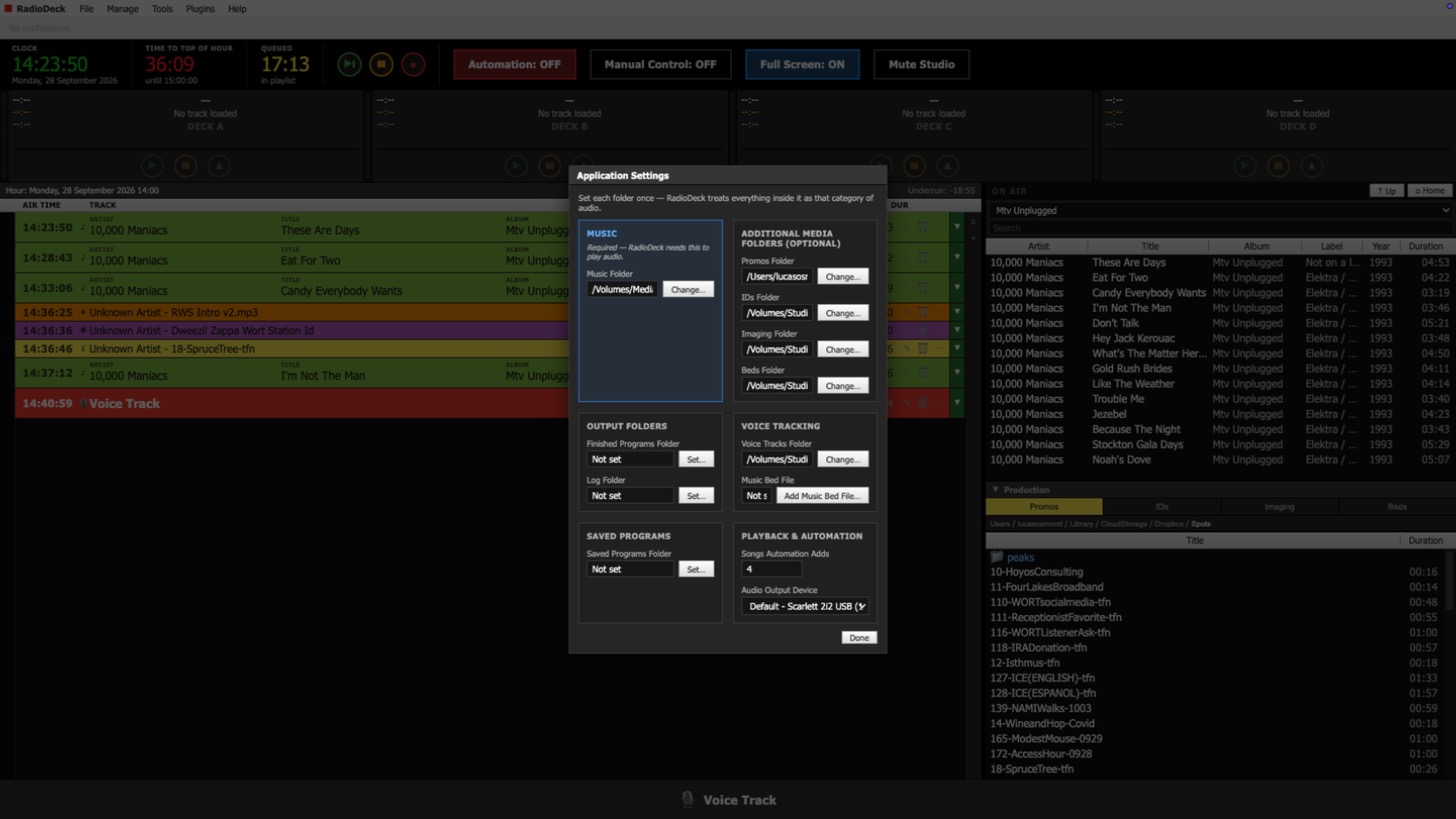
Route Air, Studio Monitor, and Program Builder to independent outputs on multi-output sound cards. Mute Studio silences only the monitor feed, never what's actually on air. No second card? RadioDeck falls back to a single output automatically.
See it running
Export, Ready for Air or Archive
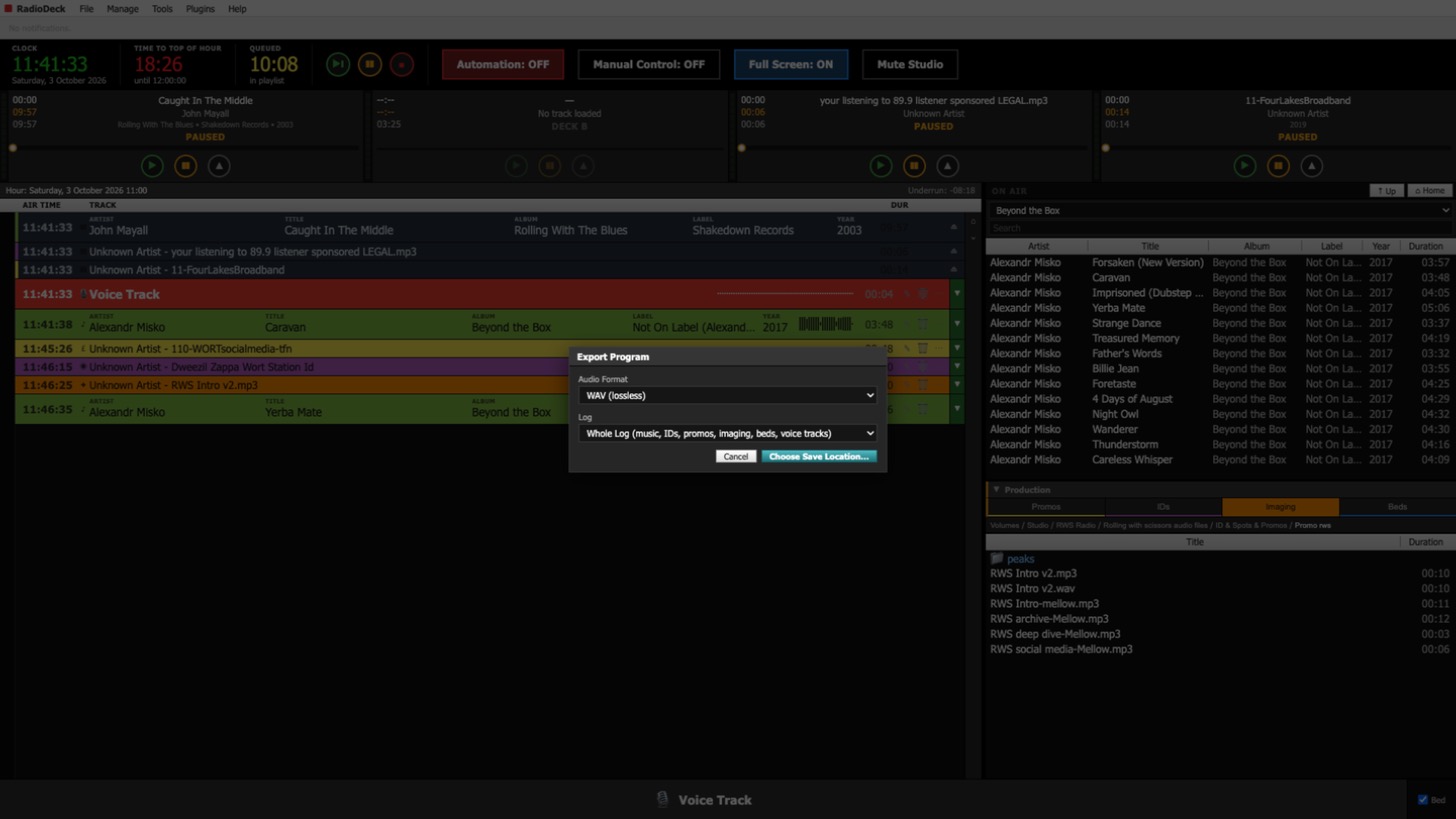
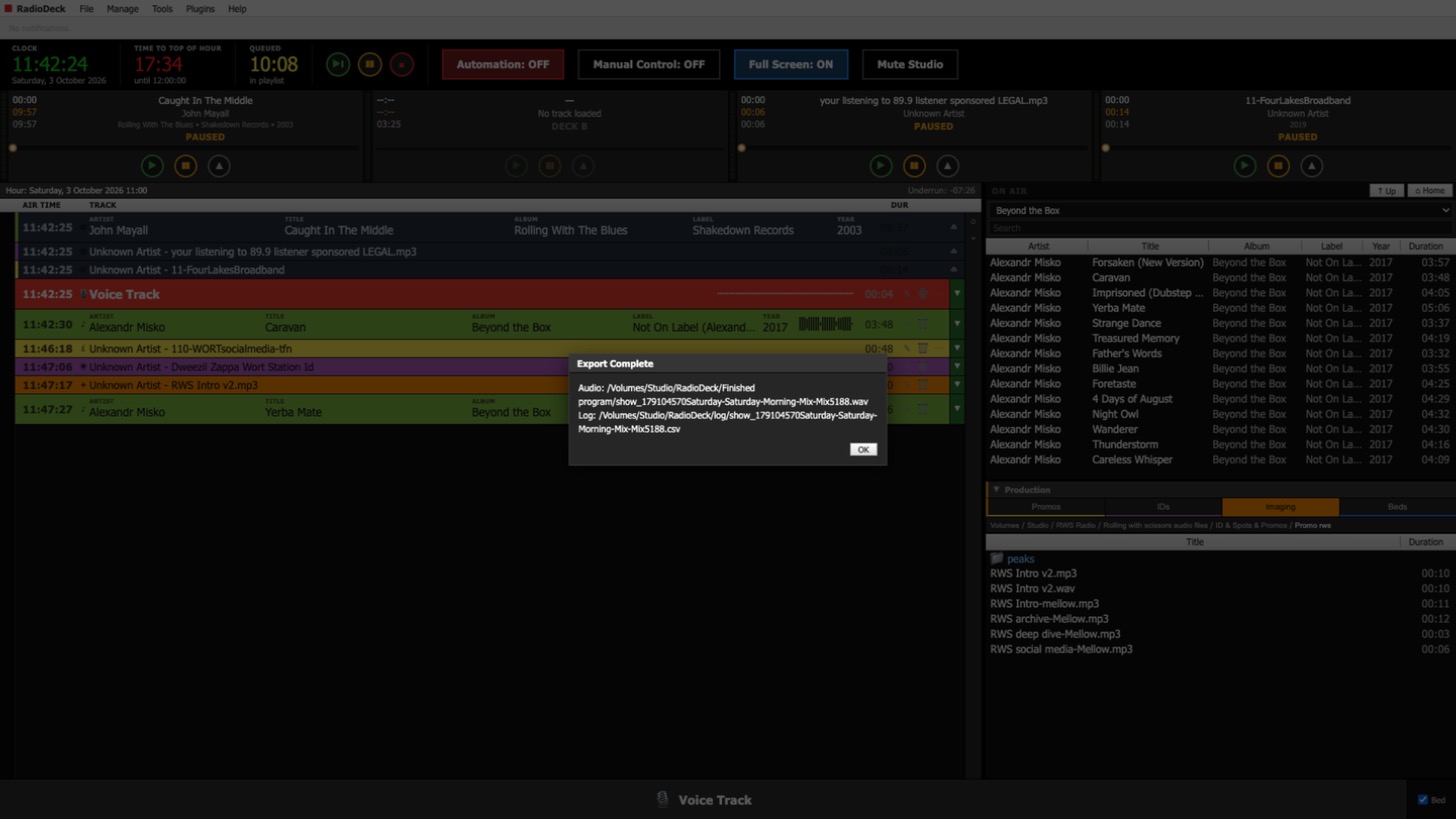
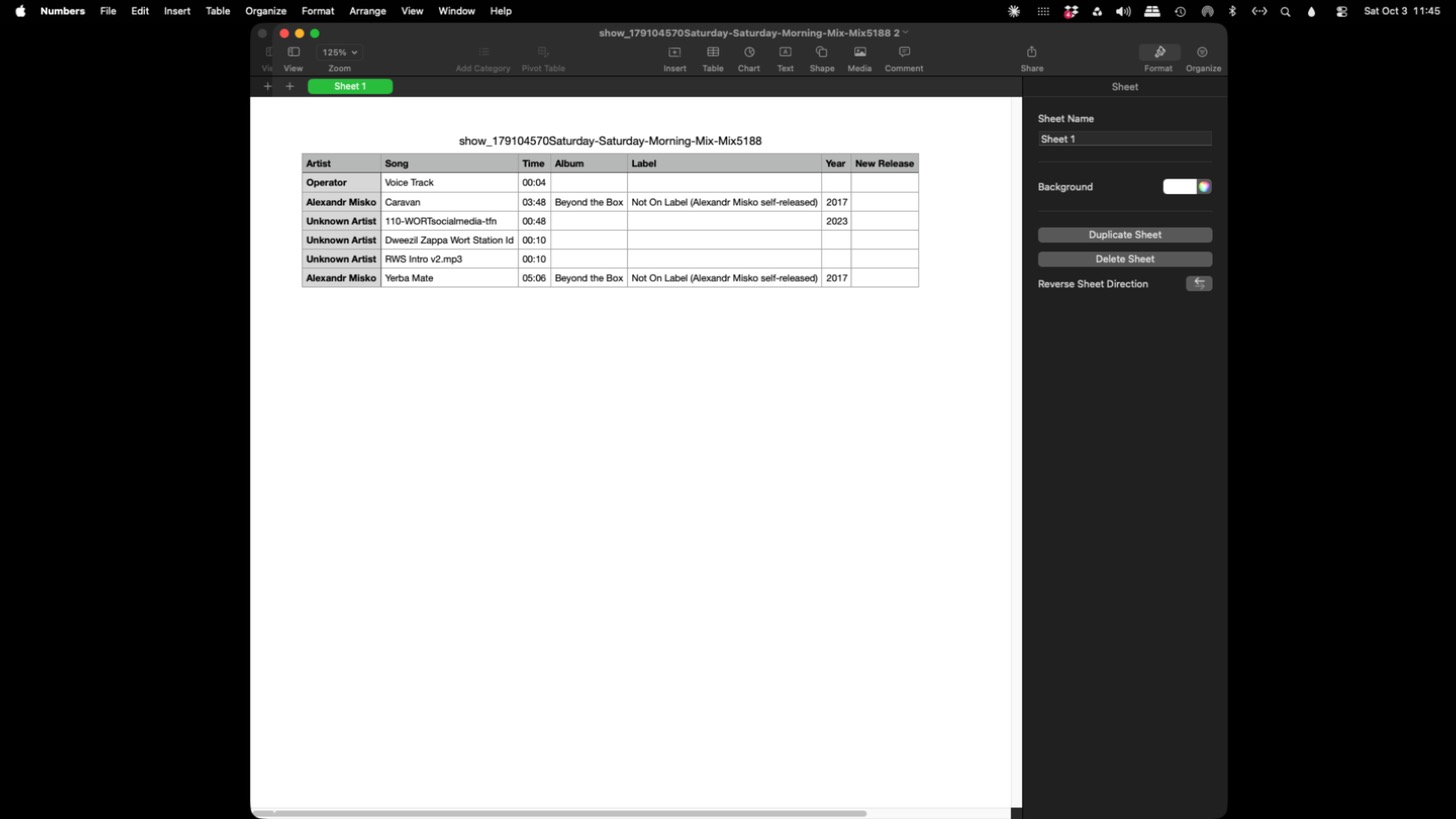
When a show is built — live or planned ahead in the Show Builder — export it in one pass. RadioDeck renders a single audio file with real crossfades across every track, ID, and imaging element, and writes a matching log as a CSV alongside it. The log covers everything that aired — music, IDs, promos, imaging, beds, and voice tracks — with Artist, Song, Time, Album, Label, Year, and New Release columns intact, ready to drop straight into a spreadsheet for reporting, syndication, or your own records.
Get Started
RadioDeck is currently in active development from Osmond Technologies, targeting launch in early 2027.
In Development · Early 2027